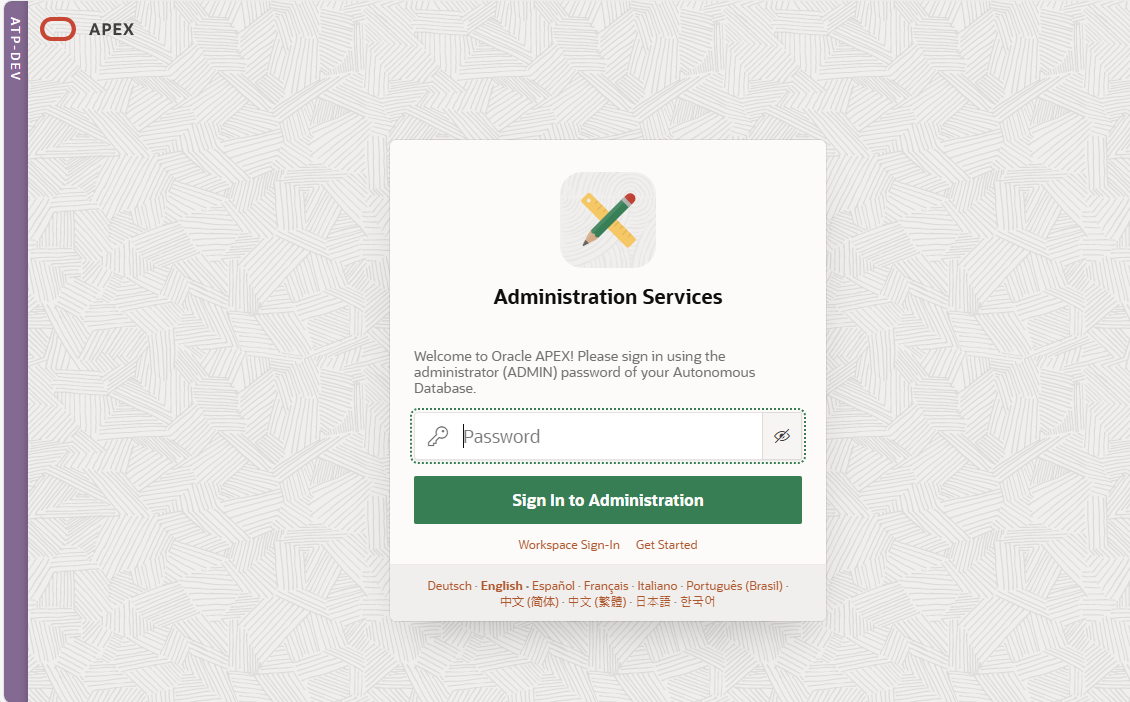
If you are working in multiple APEX environments it can be not so fast to distinguish among them, just by the URL, when you have multiple environment’s up at the same time.

This short blog show you how to setup an environment banner in APEX, to distinguish amongst different environments.

Login to APEX Administration Services. Under “Manage Instance”, find “Define Environment Banner”.

Under Apex | Manage Instance. Choose “Define Environment Banner”.
Keeping default setting, position to the left, assigning text and color.
Now the instance have a nice banner with your preferred text and color. Easier to quickly see what instance you are working in, when having multiple instances to work in.

Have a nice day coding in your favorite developing environment!

Leave a Reply


Oppdag mer fra Standal.blog

Abonner for å få de siste innleggene sendt til din e-post.

Håvard Standal avatar

Published by

Discover more from Standal.blog

Subscribe now to keep reading and get access to the full archive.

Continue reading